
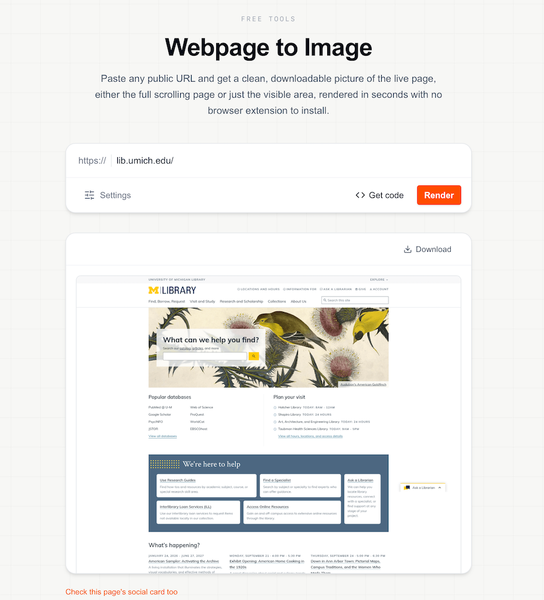
For this month, I’m sharing a handy free tool that turns any public webpage into a clean, downloadable image in just a few clicks: Webpage to Image.
Whether you need a full-length capture of an article or landing page, a tidy screenshot for documentation or a presentation, or a quick visual record of how a site looked on a particular day, it renders the live page without requiring an extension or account. It even lets you choose between the entire scrolling page and just the visible portion, so you can capture exactly what you need.
How do you usually take screenshots? Do you use built-in functionality or a third party app? Please share in the comments below!