
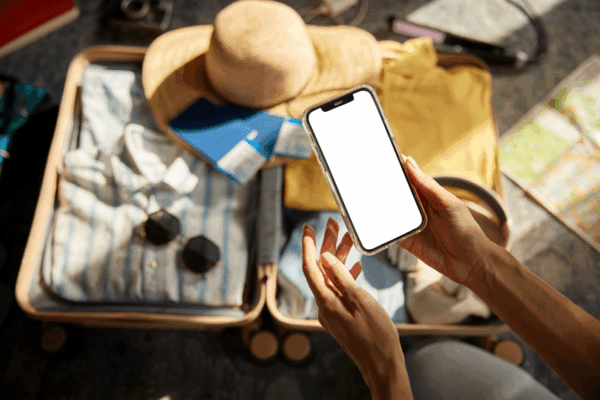
Going places this summer? Pack along these Safe Computing tips for traveling with technology. You’ll rest assured that you’re ready to take off on your next adventure, and well prepared to safeguard both your own and the university’s data.
Preparing for Travel
Only take what you need:
- Don’t take personal or U-M data or devices you won’t need.
- Use encrypted devices when you travel with U-M data.
Update and prepare your devices:
- Update all software and operating systems.
- Backup your device.
Set up basic security settings:
- Use a passcode and auto-lock on all devices. Lock them when not in use.
- Turn on the find-my-device feature.
If you are travelling outside the United States, see International Travel with Technology for important guidance.
While Traveling
Connect Securely:
- Disable auto-connecting to WiFi
- Use a VPN or cellular network for a more secure connection.
Avoid common security pitfalls:
- Do not leave your devices unattended in public.
- Don’t use free charging stations.
- Never enter or access sensitive data when using a shared or public computer.
- Be cautious about sharing location and other sensitive information on social media.
Traveling and U-M Data
The university strongly recommends that you not take U-M data or devices while traveling. If you need to do U-M business while on the road, remember:
- Ask your IT department for a loaner device.
- If traveling internationally for work, you should add your travel to the U-M Travel Registry. It is also recommended for domestic work travel.
- Global Michigan provides helpful additional information at Travel Resources.
Complying with U.S. and Foreign Laws
U.S. and foreign laws may affect what tech you can take across borders, and who has the right to access it. Some examples include:
- You may be asked to unlock and allow searches of your devices when entering most countries. U.S. Customs and Border Protection (CBP) may demand access to your devices when leaving, entering, or reentering the U.S. See guidance in Be Prepared for Border Security on the Safe Computing website.
- Some technologies may not be taken to other countries. See Export Control Compliance for University of Michigan Researchers, and consult the Export Control Office [email protected] if you conduct export controlled research or if you may fall under an export control requirement.
Visit Travel Safely With Technology on the Safe Computing website for more information and links to helpful resources, including guidance if your device is lost or stolen.


