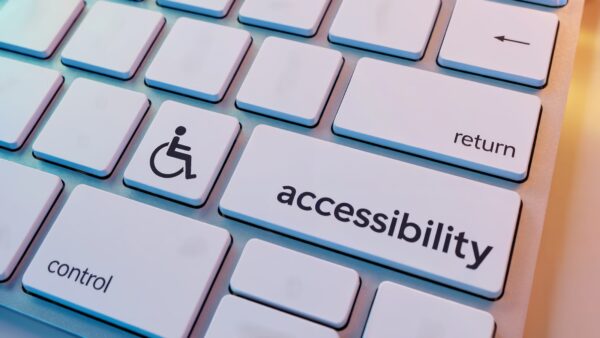
During March, the ITS Digital Accessibility team is highlighting website accessibility — what it is, why it matters, and the practical steps U-M technology staff and faculty can take to improve the web experience for everyone, including people with disabilities and people who use assistive technology. If you manage websites, publish content, support a CMS, or want a clear starting point for web accessibility, we can help you move forward.
Why website accessibility
Web accessibility is a foundation of digital accessibility. It means creating and maintaining digital content that can be used without barriers — whether someone is using a screen reader, keyboard navigation, captions, or a mobile device. While this focus is “web,” many of the same habits (clear headings, descriptive links, meaningful alt text) also strengthen documents, emails, and other digital communications.
Learn on your own: Quick resources
Prefer to move at your own pace? These resources are a strong starting point:
- Web Content Accessibility (U-M Canvas): A practical module with techniques you can apply immediately
- Quick Tips for Web Accessibility: Short, actionable guidance for common fixes
- Accessibility concepts: Foundational best practices for inclusive digital content
- Using Siteimprove at U-M: How to access the ITS Web Accessibility Scanning service and use Siteimprove effectively
Make progress this month: Choose your next step
Pick one action that matches your role and capacity right now:
- If you update web content: Run an automated check on your pages and fix what you can (headings, links, and alt text are great first wins).
- If you manage multiple sites: Make sure your sites are set up in Web Scanning with Siteimprove, then use dashboards to prioritize remediation.
- If you already use Siteimprove: Set a simple improvement goal for March and track progress over time.
Do your part: Start where you are
For instructors and faculty
- Use clear headings on Canvas pages and course sites
- Write descriptive links that make sense out of context
- Add meaningful alt text to course images
- Review the Web Content Accessibility Canvas module for practical guidance
For content editors and communicators
- Apply Quick Tips while editing
- Use headings, descriptive links, and alt text consistently
- Learn how your CMS (WordPress/Drupal) supports accessible content
For developers and technical teams
- Validate structure, semantic markup, and accessible patterns
- Partner with accessibility staff when issues require deeper technical review
- Review guidance for accessible web content and applications
Related training: Siteimprove training with live Q&A


