
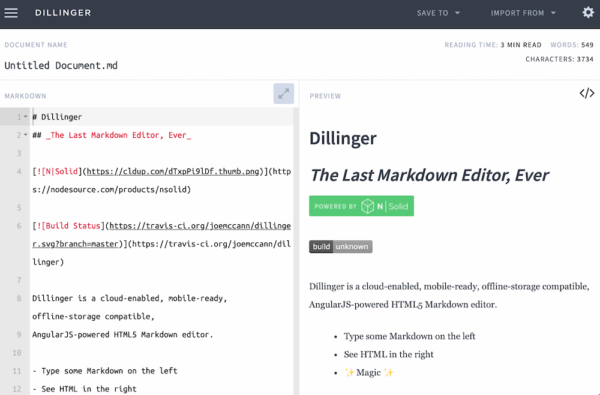
This month’s tip is a browser-based, open-source Markdown editor designed for simplicity, flexibility, and real-time previewing: Dillinger. It provides a clean, distraction-free writing environment that automatically saves your work and lets you export to multiple formats like HTML, PDF, and Markdown. With seamless integrations for cloud services such as Dropbox, GitHub, Medium, and Google Drive, Dillinger makes it easy to write, sync, and publish Markdown content anywhere — ideal for developers, writers, and anyone who prefers a lightweight, modern editing experience.
What markdown editor do you use? Is it a downloadable app or accessed within a web browser? Please share in the comments below!
Have a cool app, tool, or tech tip you’d like to share? Contact Chase Masters. Please note that Tech Tips are personal recommendations and might not be officially endorsed or supported by U-M.


